
Articles

Delivery support

You are here:
What is a PMO?

I often get asked what PMO stands for (especially by baffled members of my family!). Well the ‘P’ can stand for project, programme or portfolio, the ‘M’ stands for management, and the ‘O’ stands for office – or officeR – because let’s face it how can a person like me be an office? …so PMO…

View details

Of pointy umbrellas on public transport

From commuting in wet weather to stakeholder management. (No really – stay with me…) I often commute to and through central London on my way into work. One wet day I found cause to wish that people would carry large golfing umbrellas on busy public transport vertically when folded, because a pointy golfing umbrella held horizontally…

View details
How to set up custom Gantt chart views in MS-Project ®

Part of a series on customising Microsoft® Project® to make working with project schedules more useful. This post describes how to set up custom Gantt chart views to present schedule extracts based on the Live project schedule data, filtered and formatted to suit particular stakeholder audiences. So why would you want to use this approach, how do you do it,…

View details
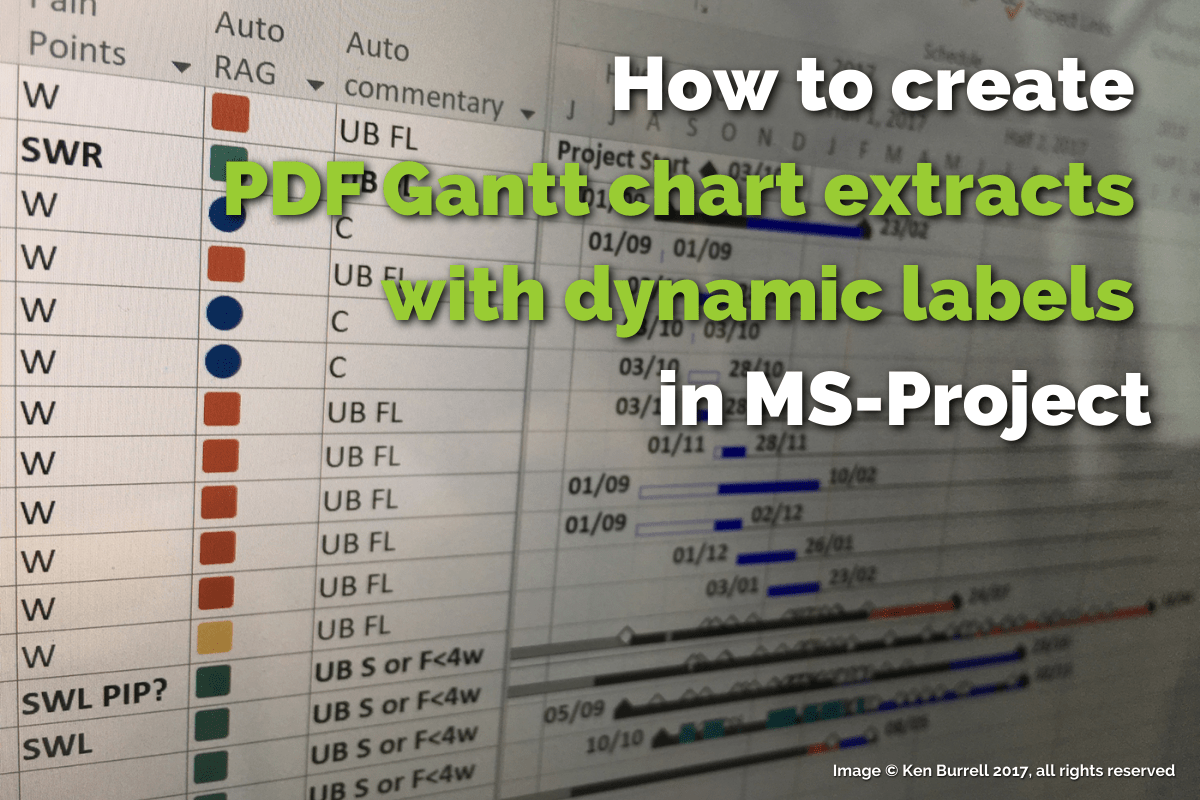
How to create PDF Gantt chart extracts with dynamic labels in MS-Project ®

Part of a series on customising Microsoft® Project® to make working with project schedules more useful. This post describes how to generate universally-readable ‘soft’ PDF Gantt charts to circulate to stakeholders, with dynamically generated labels that provide them with useful information about the view, and provide you with useful information about how you might re-create the view. So why would…

View details
How to diagnose schedule management problems in MS-Project ®

Part of a series on customising Microsoft® Project® to make working with project schedules more useful. So you’ve created a useful programme schedule, and you are now working on keeping it on the right track. You’ve set up fields to calculate RAG status, but what if you want diagnose schedule management problems without having to study the baseline…

View details
How to calculate RAG status in MS-Project ®

Part of a series on customising Microsoft® Project® to make working with project schedules more useful. So you’ve created a useful programme schedule, and you are now working on keeping it on the right track, reviewing the plan regularly with the Programme Manager and Project Managers. You will probably review the programme schedule regularly – focussing on on items with…

View details
How to diagnose schedule setup problems in MS-Project ®

Part of a series on customising Microsoft® Project® to make working with project schedules more useful. So, you’ve inherited a set of project schedules that you need to combine into a useful programme schedule. How do you set up a framework to enable you to quickly find and diagnose schedule setup problems, without having to deduce and apply complex combinations…

View details